
Projector spots and Missing Pixels
Dead pixels, bright spots, or dark patches on the image indicate damage to the DMD chip or LCD panel — components we diagnose and replace with precision

Fixed spots or missing pixels in the projected image are caused by failed micromirrors on the DMD chip or dead cells on an LCD panel. These faults are permanent and will not resolve on their own. We confirm the defective imaging component through diagnostic testing and perform a chip or panel replacement to fully restore pixel integrity across the image
Can you see the difference?
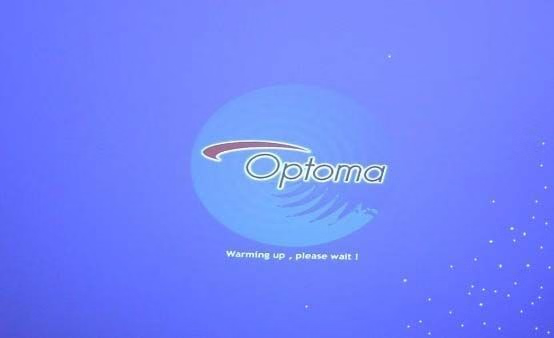
BEFORE

AFTER
Frequently Asked Questions
What causes missing pixels?
The main culprit when you have missing pixels is the DMD chip. However this is NOT ALWAYS THE DMD CHIP !!!!!!! Sometimes this chip can be repaired by our engineers but in 90 percent of cases the DMD chip must be replaced. These chips are made by Texas instruments. The have thousands of tiny microscopic mirrors on them. MEMS technology. When Texas instruments designed this technology 20 years ago it was a huge breakthrough in advanced light control. The image was and still is amazing. Modern DMD chips do a lot of work and therefore create a certain amount of heat. Most of the time these chips work great for many years. However at times the mirrors fail. If you are reading this then maybe you have a projector with missing pixels.
We have many of these chips in stock. Most are priced at £99.
Based In The Heart Of Canary Wharf
We are a small family business based in Canary Wharf. Our engineers have been fixing Computers for over 25 years. As a small company we keep our rates down and offer the greatest value to our customers who always come first!
2 Decades of Experience
Over 20 years repairing projectors from brands like Epson, Sony, BenQ and Optoma, and much more. Thousands of units restored — bulbs, optics, boards and beyond.
Fast* 48h Repairs
All repairs are usually within 48 hours. Did you know some companies keep your projector for over a week?
*Subject to parts availability
Call Now ✔
We have no call centres just a trained engineer on the phone ready to help.
Get A Free Quote ✔
We Can Often Diagnose Your Fault Over The Phone
Book A Repair ✔
All Bookings Are By Appointment Only Call Now
Looking for another services?
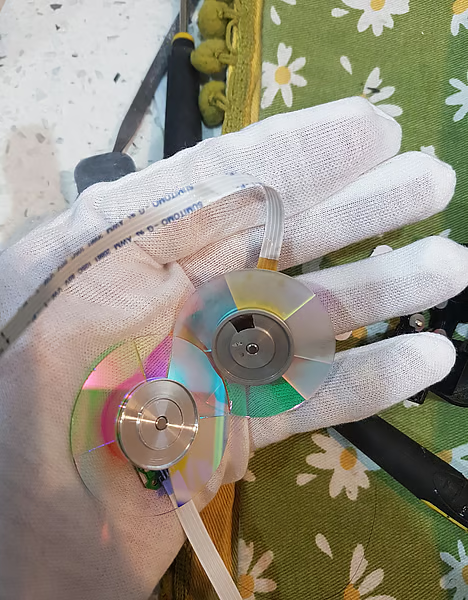
Projector Color wheel Cleaning
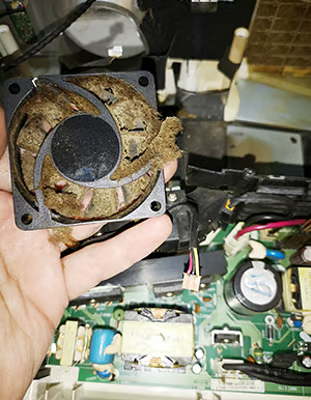
We take great care at Ninatec when cleaning your projector. Over the years projectors accumulate lots of dust. In some cases lots and lots of dust. Cats hairs etc. Colour wheels often dull out. Great care is needed when cleaning colour wheels. We will need to strip down the projector. We can still do this quickly. This type of repair can often be carried out while you wait. Usually takes around 1-2 hoursRepair it now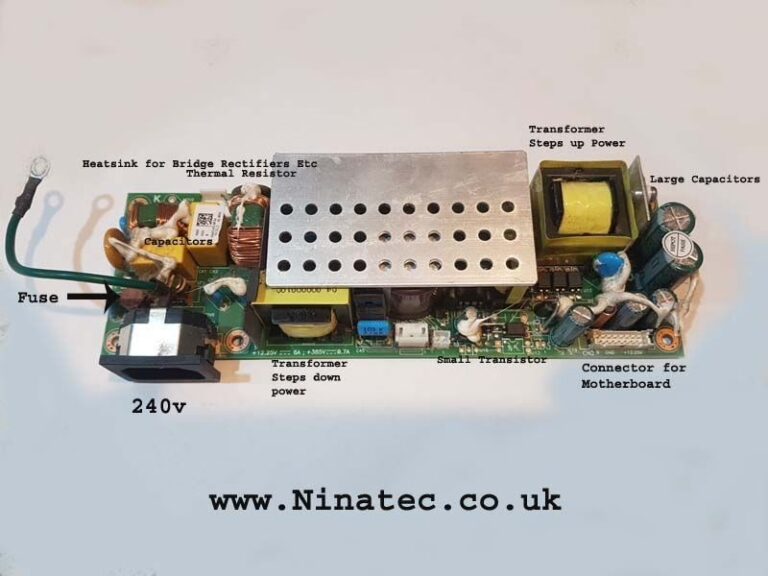
No power on projector
Inside projectors is the power ballast. Its the power supply for the projector. It gives the motherboard, Lamp ballast and other projector parts power. If your laptop does not turn on you may have an issue with your power ballast. When you press the power button on your projector the motherboard chipset tells the projector to wake up. The power board then makes sure all parts are receiving correct power. If your projector is not turning on please call us for free help and advice.Repair it now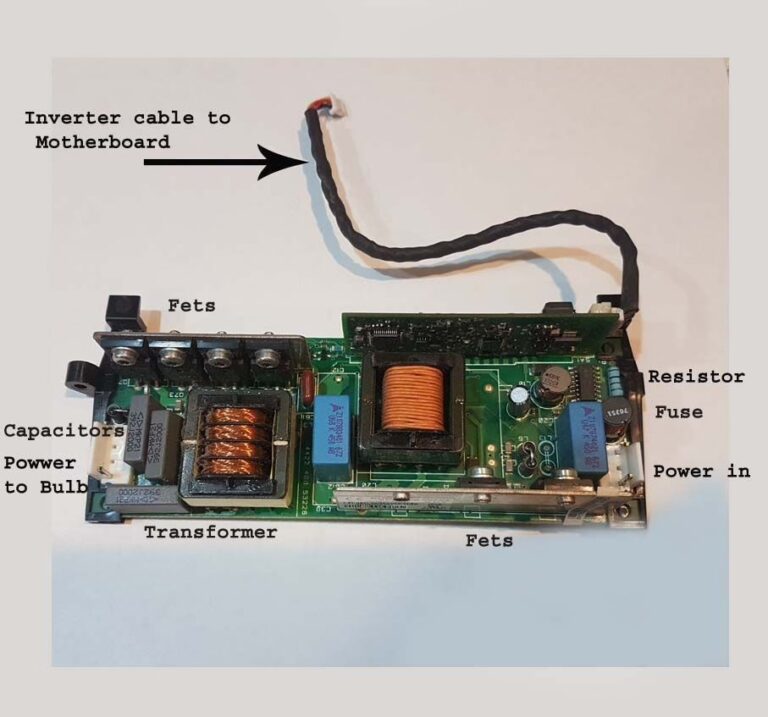


Another projector problems
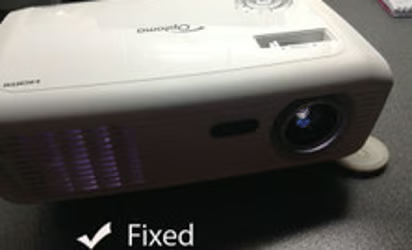
We can repair every make and model of DLP projector. Specialists in Optoma Benq and Acer. We can help if you have a flickering image. Or if you have missing pixels on the image. Also if your projector cuts out after 5 minutes , even if it does not turn on at all. This sometimes happens on LED projectors. Remember the best part about our service is 24 h turn around. No other company comes close.Repair it nowContact us
Canary Wharf Laptop Repairs
Level 18, 40 Bank street
Canary Wharf
London E14 5NR
t: +44 0207 183 1644
By Appointment Only.
Here is an image of our location.
The building is 40 Bank street.
POST US YOUR PROJECTOR ?
post to:
Ninatec Projector Repairs
40 Bank street
Wilson James Consolidation Centre
Unit 7A, Thames Road
London E16 2EZ
