
Anker Nebula Repairs
Anker Projector Repairs – Problems and Solutions and fixes for Anker Nebula projectors.
Anker projectors are widely used for home entertainment, office presentations, and portable viewing.
While they are known for reliability and image quality, they can develop issues over time due to wear, dust, heat, or electrical problems.
Very often it is dropped !!
This guide outlines the most common Anker projector problems and explains practical solutions, from simple troubleshooting steps to situations that require professional repair.
Has Your projector been dropped?
If you drop you projector this can very often break some parts inside the projector. If a tiny chip has been knocked of the logic board bring it in for a quick repair.
Fast Turnaround
Being without your projector for a few days can be annoying but not having it for weeks is a pain. Thats why we offer fast turnarond usually within 3 days. Check our ninatec reviews on google.
Fair Prices
Whats the point of having a repair if it costs almost as mch as a new projector.
Here at Ninatec we have very competitive rates. Call us today
for free advice.
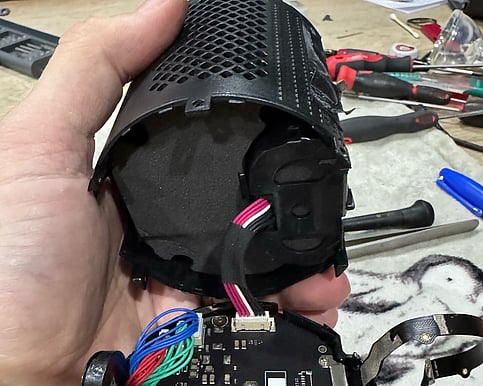
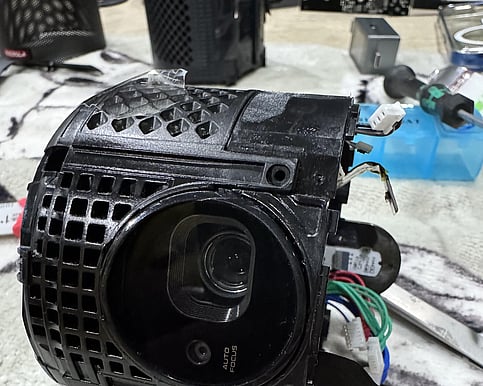
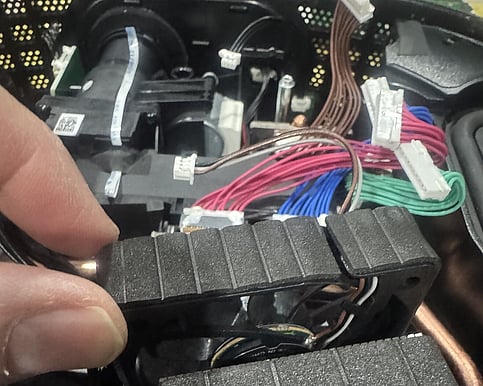
Anker Nebula Problems
Anker Projector Repairs – Problems and Solutions
1. Projector Will Not Turn On The projector shows no lights or signs of power. Possible Causes and Solutions: - Power cable may be loose. Ensure it is firmly connected to both the outlet and the projector. - Wall outlet may be faulty. Test another outlet or use a surge protector. - Internal power board or fuse failure may have occurred and usually requires professional repair. - Try unplugging the projector for 5–10 minutes to reset internal electronics.
2. No Image or Black Screen The projector powers on, but no picture appears. Possible Causes and Solutions: - The wrong input source may be selected. Confirm the correct HDMI, USB-C, or wireless input. - A damaged or low-quality cable may be the issue. Replace the HDMI or USB-C cable. - Brightness may be set too low or eco mode may be active. Adjust display settings. - A faulty LED or imaging module may require professional replacement.
3. Blurry or Out-of-Focus Image The image lacks clarity even after adjusting focus. Possible Causes and Solutions: - Adjust the focus ring slowly until the image sharpens. - Ensure the projector is placed within the recommended projection distance. - Excessive keystone correction or digital zoom can reduce image quality; minimize these settings. - Clean the lens using a microfiber cloth. Scratched or damaged lenses may need replacement.
4. Overheating or Sudden Shutdown The projector becomes hot and turns off during use. Possible Causes and Solutions: - Air vents may be blocked. Clear dust and ensure adequate airflow around the projector. - Cooling fans may be failing or clogged with debris, requiring internal service. - The projector may be used in a hot environment. Move it to a cooler, ventilated area.
5. Color Problems or Image Distortion Colors appear faded, incorrect, or uneven. Possible Causes and Solutions: - Picture mode may be incorrect. Switch to standard, cinema, or movie mode. - Poor signal quality from cables or ports can distort the image. Try different inputs or cables. - The source device may be causing the issue. Test with another device. - Internal LED or LCD alignment issues usually require professional calibration or repair.
6. Loud or Unusual Noises The projector makes grinding, rattling, or unusually loud fan sounds.
For all repairs and advice call us today on 0207 183 1644